
What is a conversion goal?
A conversion goal is the action you want your website visitors to take — the outcome that drives your business: booking a demo, starting a trial, completing a purchase, or leaving their contact details. It's the setting that tells the AI what "success" means for your microexperiences: everything they optimize — which experience to show, to whom, and when — is aimed at getting more visitors to complete this goal. You can configure up to two goals: a primary target and a secondary one (see Working with multiple conversion goals).
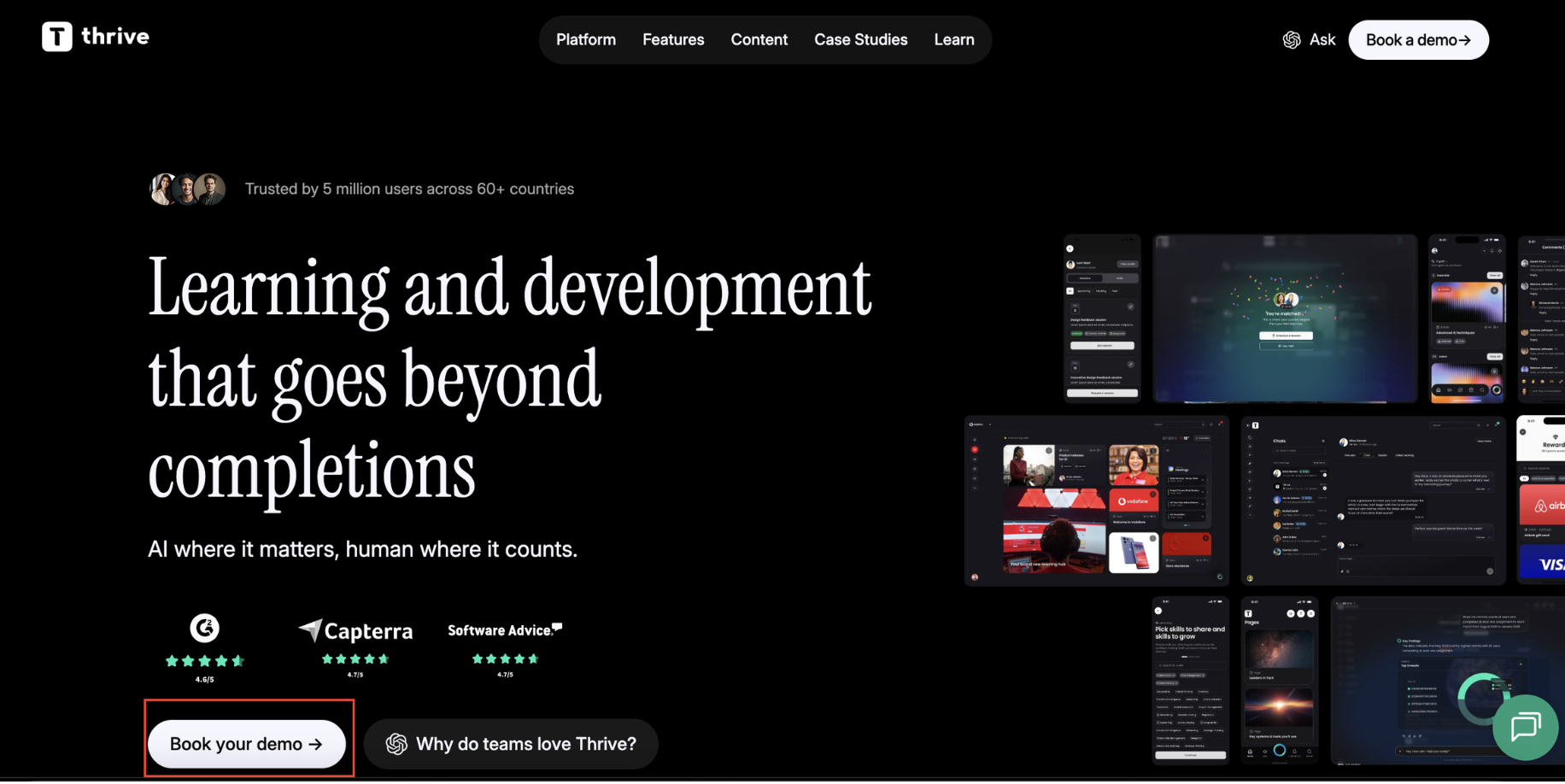
For instance, in this website the conversion goal is to book a demo with their team.
Scope note: conversion goals power microexperiences. If you use Pathmonk without microexperiences — for example only the acquisition modules (content generation, ads creation), competitor intelligence, or analytics — you don't need to set up a conversion goal.
One important nuance: a conversion goal is not the same as a completed conversion. The goal represents the step before the final action — reaching your booking page, opening the signup flow. Whether the visitor actually completed the action is confirmed separately by a tracked event (see Conversion goals vs. tracked events).
Goal types
When defining your goal, you choose from:
- Book demo or appointment — for sales-led businesses.
- Purchase — for e-commerce.
- Start trial — for product-led SaaS.
- Collect leads — for lead generation.
- Phone call — for call-driven businesses.
- Other goals — custom actions such as newsletter signups, quizzes, or downloads.
You set one primary goal during onboarding. A secondary goal can be added later — see Working with multiple conversion goals.
How conversion goals work
- Define the goal. You pick your primary objective during onboarding (you can change it later).
- Choose the implementation. How visitors complete it: redirecting to an existing page (like your booking or checkout page), embedding a tool you already use, or a form or flow built right into the Pathmonk microexperience. The full options per goal type are in How to set up a conversion goal.
- Track and optimize. A tracked event confirms each completion, and the AI continuously personalizes each visitor's experience to increase the completion rate.
Where to view or change your goal
You'll be prompted to define your goal during your onboarding process. After that, if you want to change it, go to crm.pathmonk.com/dashboard/goals/buyingjourney or navigate to CRO → MX Studio → AI Configuration. Your goals live in the AI Target section — the conversion goal the AI will boost on your microexperiences.
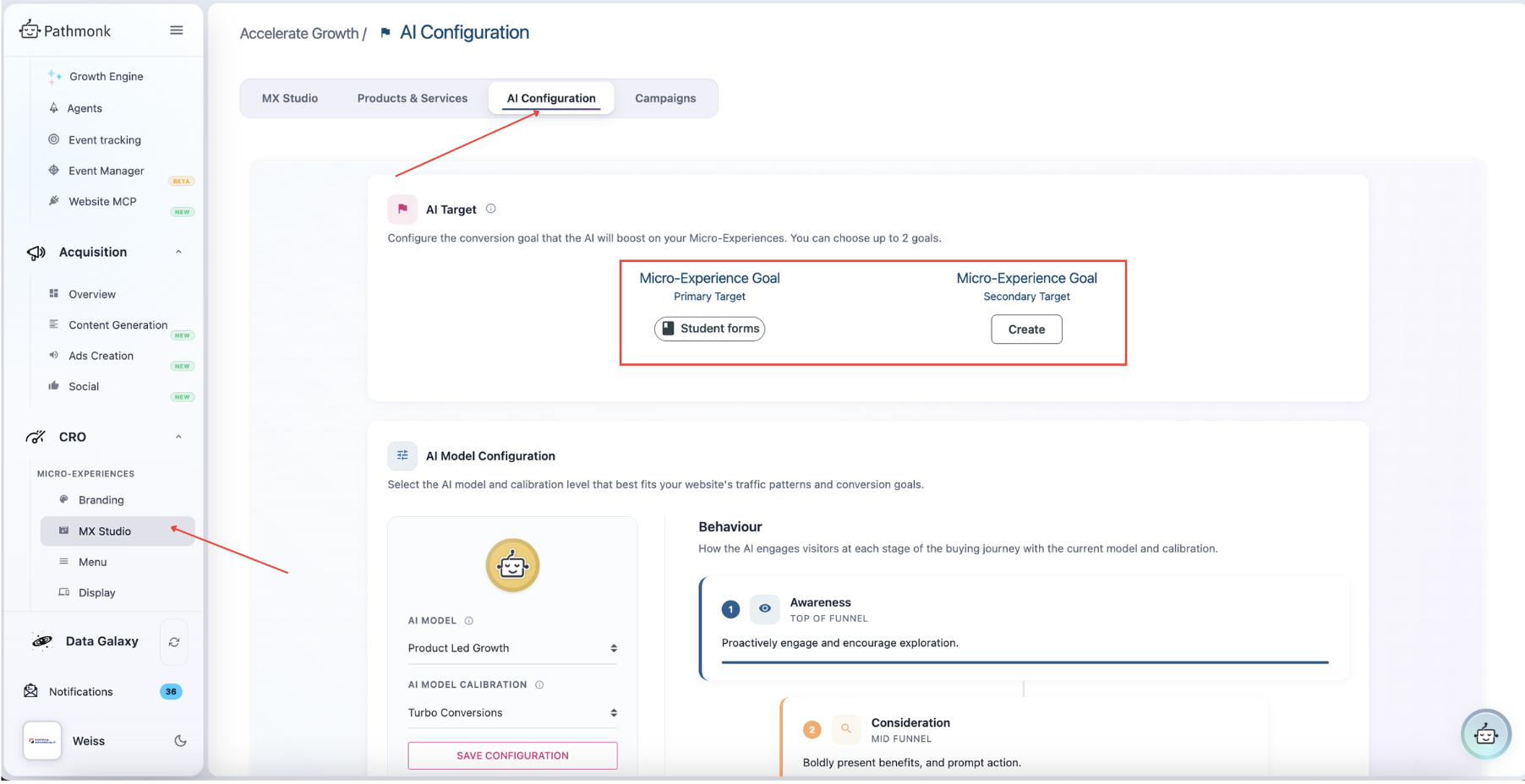
In this example, the conversion goal of this customer is to increase completed forms by prospective students.
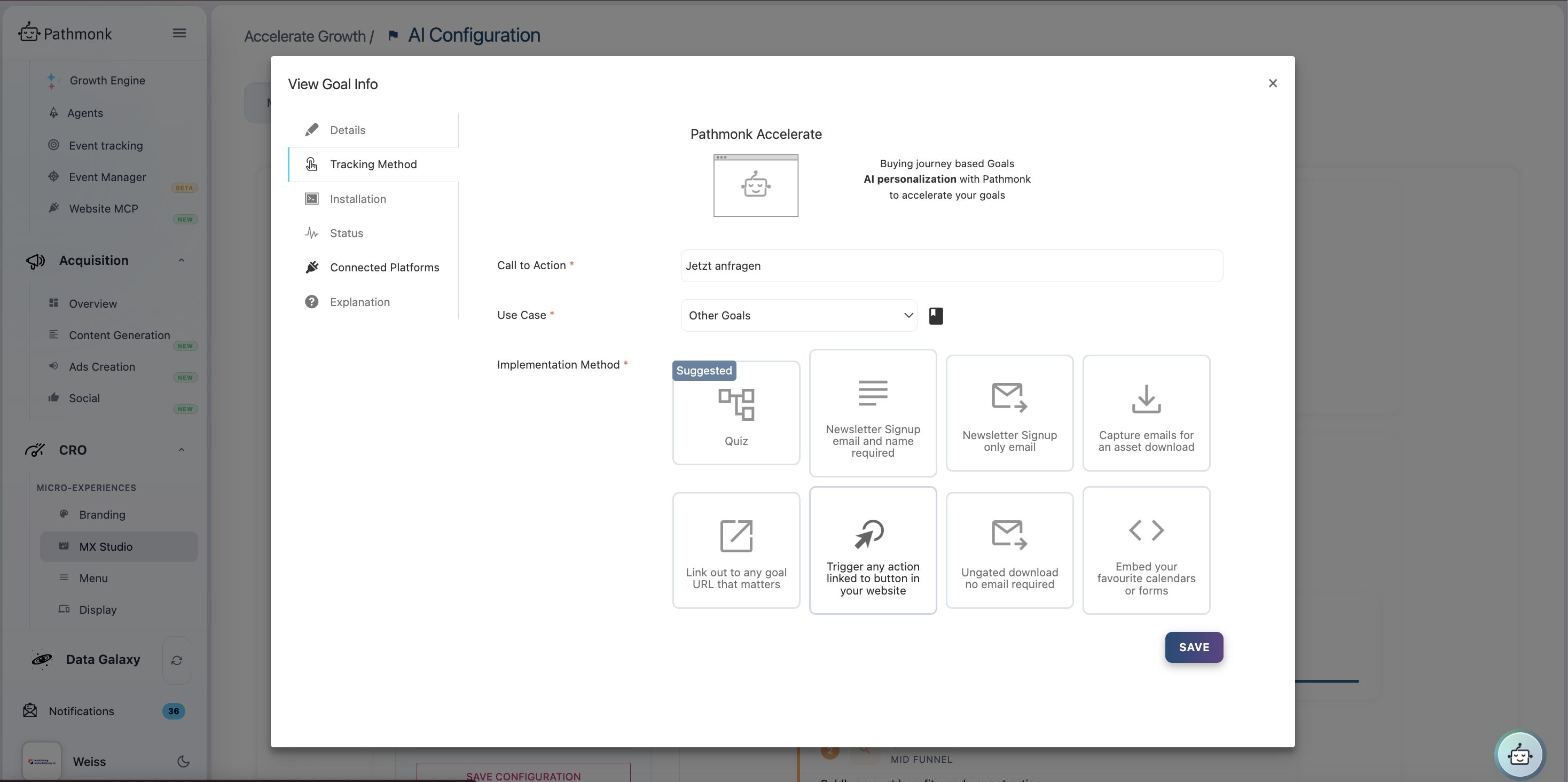
Click your current goal to open its details; the Tracking Method tab lets you adjust the use case and implementation.
Note: if you change your conversion goal, review its linked tracked events too — the event that confirmed your old goal may no longer match the new one, and your reporting depends on them staying aligned.