
Assigning a monetary value to your conversions
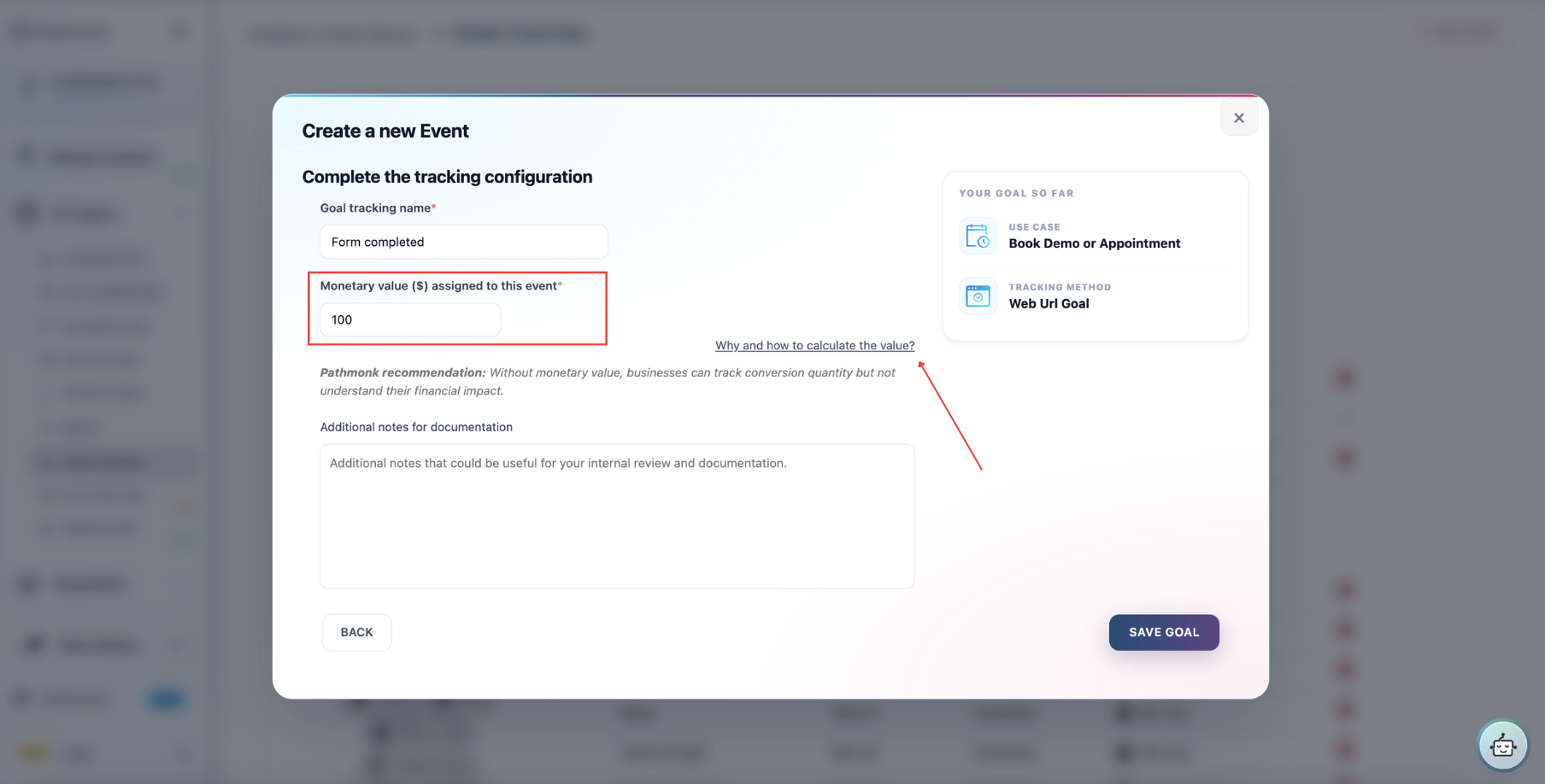
When you create a tracked event, Pathmonk asks you to assign it a monetary value. If you're not sure about how to calculate it, click on the link next to the Monetary value field. It's worth doing properly so your reporting shows not just how many conversions happened but their real business impact in revenue, and the AI uses the values to prioritize — optimizing hardest for the experiences and journeys that produce the most valuable outcomes.
If you're unsure what value to enter, the event setup includes a small calculator and explainer with an adjustable formula to help you estimate.
E-commerce: track real revenue instead
If you sell online, it's best not to estimate, track actual purchase amounts automatically. In this case, create the tracking event and leave the monetary value blank.
- Shopify stores: use the official Pathmonk revenue integration and Pathmonk will the real value of every order.
- Other platforms: use a revenue tracking pixel that passes the real transaction amount, and likewise leave the field blank. If you can't implement the pixel, enter your Average Order Value as a fallback in the monetary value field.
Both setups are covered step by step in Tracking revenue from your e-commerce store.
Lead generation: estimate the value per lead
For leads, demos, and trials, the recommended formula is: Goal value = Customer lifetime value × conversion rate to customer
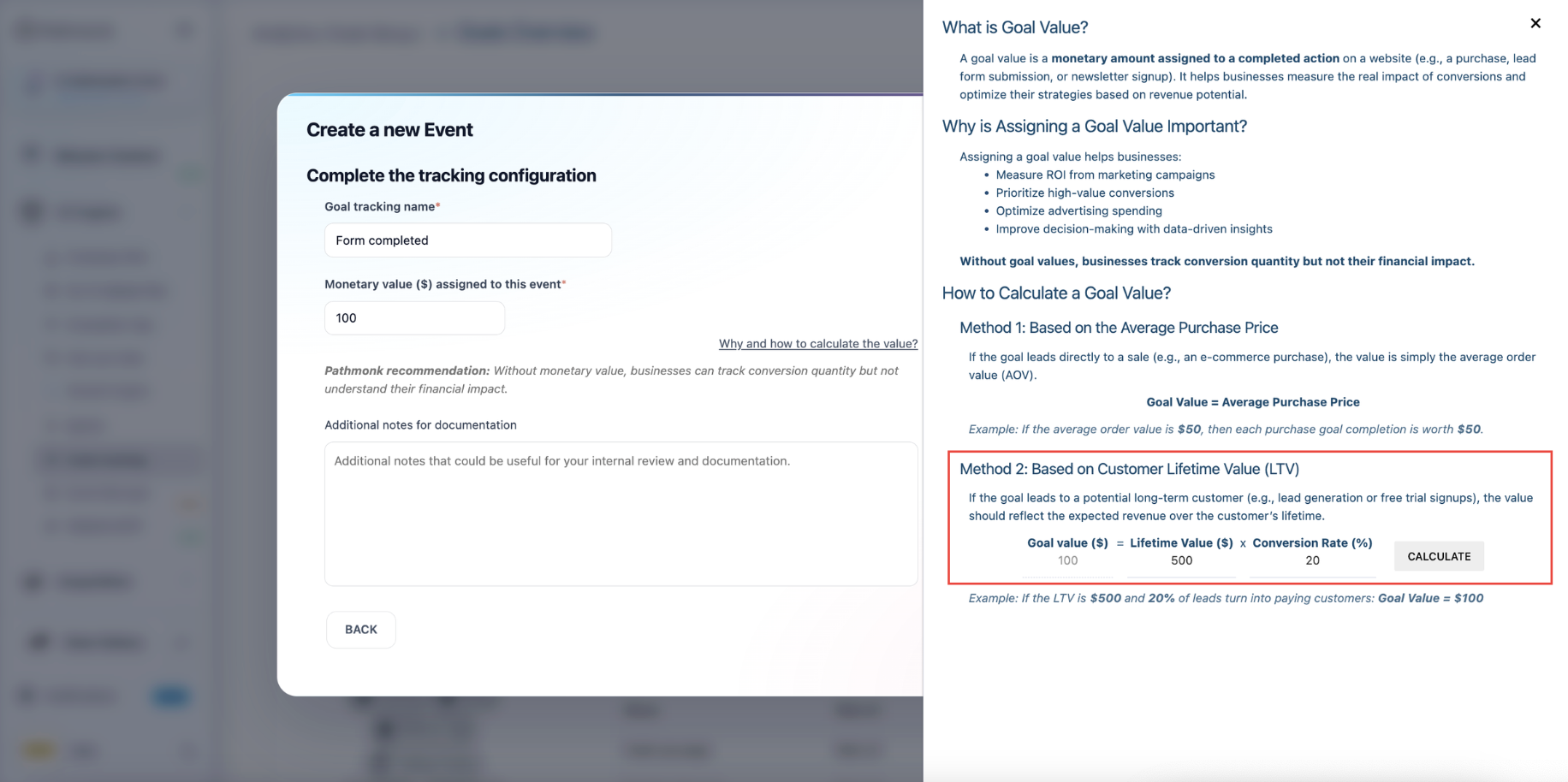
Example: if a customer is worth $500 and 20% of leads become customers, the goal value is $500 × 20% = $100 per lead.
Alternatives if you don't know your numbers yet: use the lead value you've set in Google Ads, or a reasonable placeholder (e.g. 100). Any sensible estimate beats leaving the field empty — with no value, your revenue reporting stays blind and the AI has no signal about which conversions matt